For registered California data brokers
Process DROP deletion lists without handing anyone your data
Match the hashed lists from California's Delete Request and Opt-out Platform against your records and get every file DROP and your auditors expect. It runs in your browser: your records, the lists and your DROP API key never leave your computer.
- Free check of your real files, results on screen
- Built to DROP technical specification 1.3.0
- No upload, no account access, works offline

The obligation
DROP turns deletion into a recurring, audited job
Every 45 days, then every 30
Since 1 August 2026 registered brokers must download their lists at least every 45 days and report a status for every request. From 1 January 2027 (AB 883) the cycle is 30 days.
$200 per request, per day
Failing to delete as required costs $200 per day for each deletion request, plus the agency's costs. A wrong hash is a missed deletion.
Exact rules, often changed
Names are transliterated from a fixed table, ZIP codes lose leading zeros, composite lists hash hashes. The specification has had four versions since April 2026.
How it works
Your data stays on your side of the line
- Download your batch from DROP as you do today.
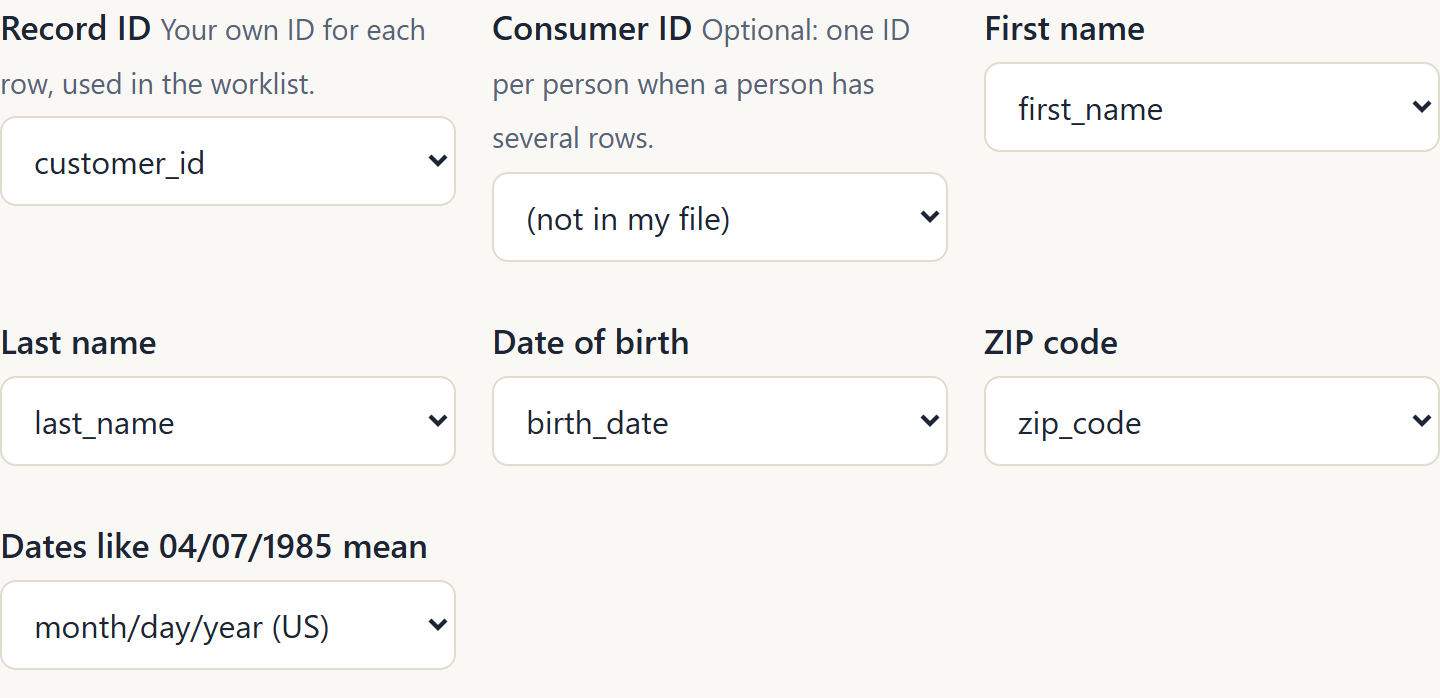
- Load the ZIP and your records, map your columns once.
- Act on the worklist, mark exemptions, confirm deletion.
- Upload the status files to DROP; keep the suppression list.
Every file you need
From one batch to a finished cycle
Status files
One Id,Status file per list, named exactly as DROP requires, with a row for every work item. Not made until every list is checked and deletion is confirmed.
Worklist
Which of your consumers to delete, which to opt out of sale and sharing (identifiers shared by several consumers, status 4), and which you kept as exempt.
Suppression list and amend files
Every identifier received, merged across cycles, minus DROP's Removed file. Re-check new records against it and get amend files when a later record matches.
Compared
Three ways to run DROP
| DROP processor | Integrator service | Build it in-house | |
|---|---|---|---|
| Your consumer data | Stays on your computer | Sent to the vendor | Stays with you |
| Access to your DROP account | None | Authorized integrator | None |
| Spec changes | Tracked and tested for you | Vendor's job | Your engineers |
| Setup | Minutes, in a browser | Onboarding and data agreements | Weeks of engineering |
| Cost | $299 a month (pilot $149) | Varies by vendor | Engineer time every cycle |
Tested before you trust it
Checked against the spec, twice
- Every standardized value in the spec's 23 worked examples matches; 22 of 23 hashes match exactly. The 23rd is a typo on the spec page (a 45-character hash).
- A separately written Python implementation agrees on 100,000 deliberately messy records: accents, Cyrillic and Greek names, odd spaces, ZIP+4, extensions.
- Synchronous SHA-256 checked against your browser's own Web Crypto.
- End-to-end browser tests on every release: downloads, licence lock, and proof that no request leaves the site.
Founding pilot: $149 a month, locked for 12 months
For the first five brokers. Check your real files free first; pay only for the downloads.
Questions
Do I have to let a vendor into my DROP account?
No. DROP lets brokers authorize a third-party integrator, and some services work that way. This tool does not need it: you move the files in and out of DROP yourself.
Which lists does it handle?
All six: NDZ (name + date of birth + ZIP), Email, Phone, MAID, NameVIN and CTVID, plus the Removed file (no status needed). Lists you hold no data for are reported "Not found".
What if several of my consumers share an identifier, such as a household landline?
The spec's rule is status 4: opt every one of them out of sale and sharing. The worklist marks them. If one of them also matches uniquely on another list, they are marked for deletion instead.
How large can my records file be?
Records are read as a stream, so memory stays small. One million records took 38 seconds in a laptop browser in our tests; five million take a few minutes.
What happens when the specification changes?
Every rule lives in one file. When CalPrivacy publishes a new version we update it, re-run the tests and record the change in the changelog.
Is this legal advice?
No. It is software. Your organization remains responsible for its DROP compliance and for checking the files before uploading them. See the Terms.
Who makes it?
DecisionsCalc, an independent software maker that also publishes the DecisionsCalc calculators and planners. Legal details are in the Terms. Write to support@decisionscalc.com.